


HR / Internship Enquiry
+91 9150222779
.webp)
Zoho Data Center Migration -
Without the Downtime or the Rebuild
Moving your Zoho account from one data center to another is more than a data transfer. Done the standard way, it means weeks of waiting, days of downtime, and rebuilding nearly every integration by hand. We do it differently — as a Zoho Premium Partner, we migrate your Zoho DC cleanly, preserving your customizations and integrations, with minimal disruption to your business.
Zoho
Premium Partner

50+
Zoho Experts

13+
Years of Excellence

1500+
Implementations
.webp)
What is a Zoho
data center migration?
Zoho stores your account data in one of its regional data centers (DCs) - the US, EU, India, Australia, the UAE, and others. Which DC your account sits in is usually decided automatically when you first sign up, based on your location at the time.
The problem: many businesses signed up years ago, before a data center existed in their region - so their data still lives in a foreign DC (most commonly the US). As data-protection and data-residency regulations tighten around the world, that's increasingly a compliance problem.
.webp)
.webp)
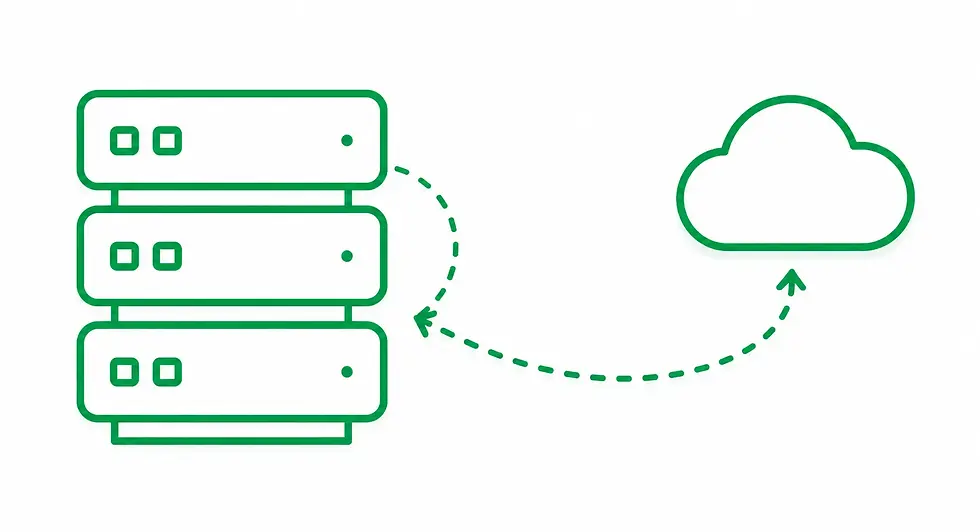
FROM YOUR CURRENT DC
Where your Zoho data currently lives.
.webp)
.webp)
To Your New DC
Where your Zoho data going to migrate.
Why businesses need to migrate their data center
Data residency has become a regulatory requirement, not a preference.
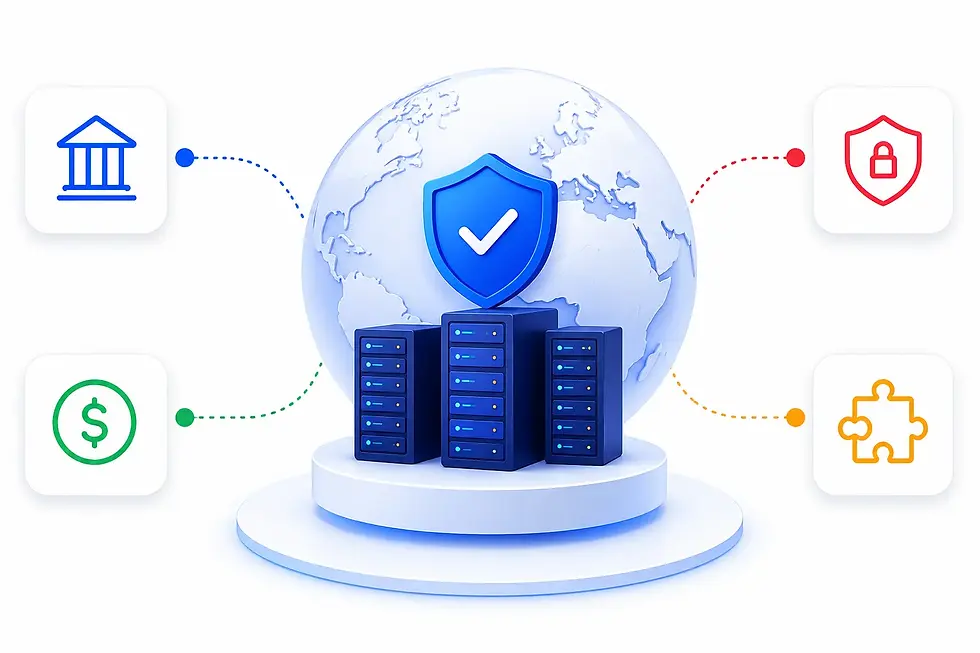
Around the world, laws increasingly require that customer and business data be stored within the country or region where the business operates:
Regulated industries
Insurance, healthcare, banking, and government often must keep data in-region by law
Local tax & currency
Being in the wrong DC means you can't pay in local currency or claim region-specific tax benefits
.webp)
Data-protection regulations
Regional data-protection frameworks require local or regional storage
App and integration availability
Some Zoho apps and integrations are only available in certain DCs
.webp)
If your Zoho data is sitting in a data center outside your region, migrating to the correct DC is often the difference between compliant and non-compliant.
The two ways to migrate
(and why the difference matters)
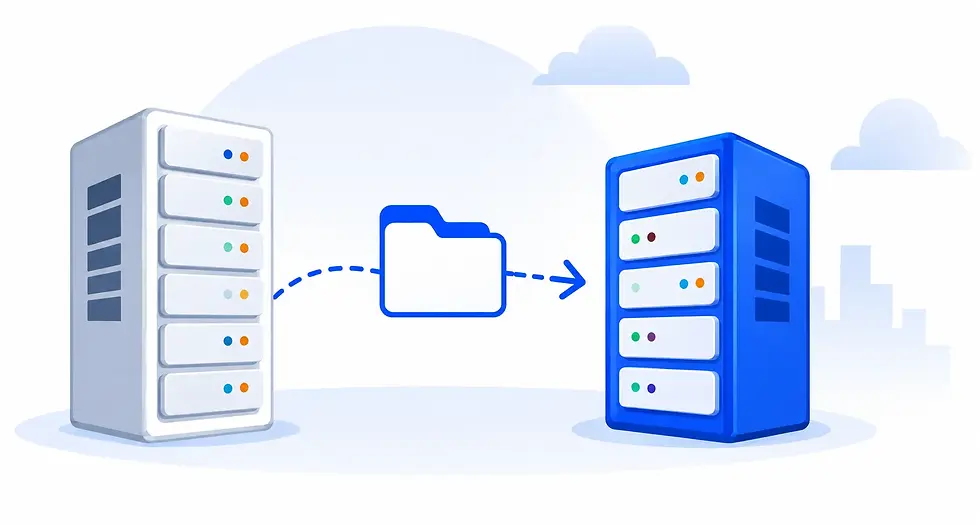
There are two routes to a Zoho DC migration. We support you through both —
the right choice depends on your setup, your timeline, and how much downtime your business can absorb.
.webp)
Option 1 Zoho-led migration (managed by Linz)
Here, Zoho's migration team moves your data between DCs - but that's only part of the job, and it's not one you should attempt alone.
The standard process is heavier than what most businesses expect:
.webp)
It's slow
The process typically takes around a month end to end.
.webp)
There's real downtime
You can't use your apps during migration; downtime can run from a couple of days to over a week.
.webp)
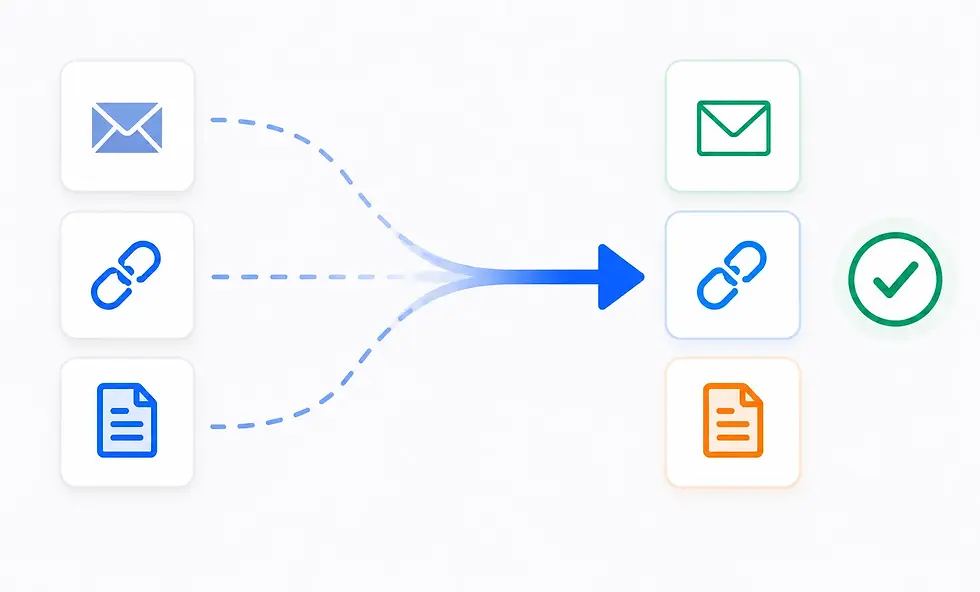
Integrations don't come across
Every integration, between Zoho apps and with third-party tools, has to be rebuilt afterwards.
.webp)
A long list of things must be reconfigured
based on Zoho's own migration documentation, this can include: SAML/SSO and SSL certificates, email DKIM and domain verification, Zoho Creator custom apps re-added, webhooks and custom functions re-authorized, Writer Automations, Zoho Sign forms reactivated, Zoho Forms integrations and embed links replaced, conditional assignments across many apps rebuilt, and more
.webp)
Some data simply doesn't migrate
Audit logs, certain app data, and unsupported apps are left behind.
.webp)
A 14-day deletion window
Your old account is deactivated after migration, and its data may be deleted 14 days later.
.webp)
This is where we come in.
Even when Zoho runs the migration, we manage the whole thing for you: we facilitate and coordinate with Zoho's migration team, take full backups before anything moves, plan around the DC-specific limitations, and - critically - rewire your integrations, workflows, Writer Automations, and configurations on the other side so you're not left rebuilding a broken system. You get Zoho's official migration, without the weeks of do-it-yourself reconstruction that normally follow.
.webp)
.webp)
Option 2 Linz-led migration (our clone-and-cutover method)
For businesses that can't absorb weeks of disruption, we offer a faster alternative that we run end to end.
We clone your applications
With all customizations and configurations intact - into the new data center before touching your live data.
We migrate your data over the weekend, after business hours
So the disruption lands when your business isn't running.
We preserve your integrations and configurations
Instead of leaving you to rebuild them from scratch.
You come back online
Monday
On the correct DC, with your system working the way it did before.
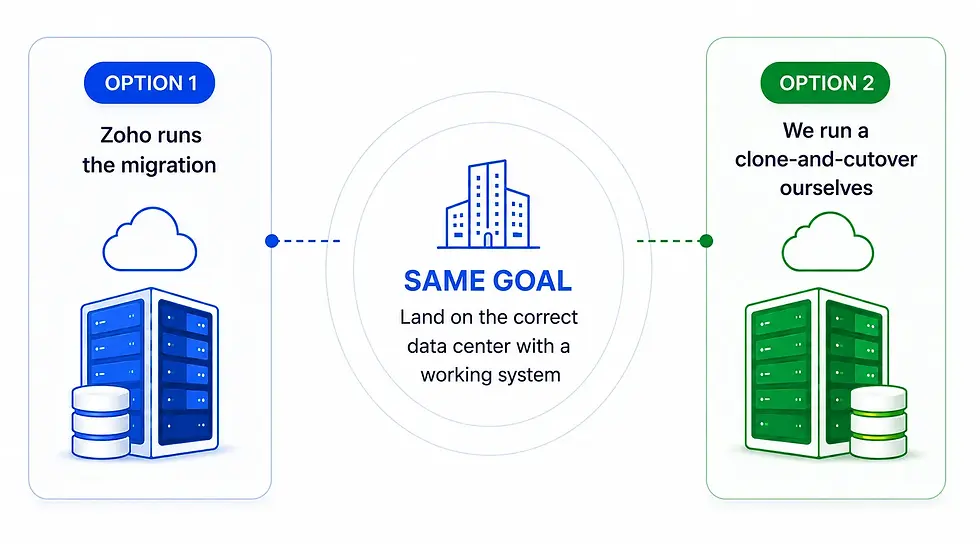
The difference between the two options is largely about downtime and speed. With Option 1 you get Zoho's official migration with us managing everything around it; with Option 2 you get a controlled weekend cutover we run ourselves. In your assessment, we'll tell you honestly which fits your situation better.
Why a DC migration needs a partner (either way)
The standard Zoho migration treats your setup as raw data to be shipped between data centers. But for most businesses, the value isn't just the data - it's the years of customizations, workflows, integrations, Writer Automations, and configurations built on top of it. Left to the default process, all of that has to be rebuilt afterwards, by hand.
That's the real work of a DC migration, and it's what we handle - whichever route you take
.webp)
.webp)
We take full backups
before anything moves, so your data is protected.
.webp)
We assess and plan
around the DC-specific limitations and unsupported apps.
.webp)
We rewire your integrations, workflows, Writer Automations, and configurations
so your system works after the move, not just your data.
.webp)
We validate everything
before you're back live.
.webp)
Whether Zoho runs the migration and we manage everything around it (Option 1), or we run a clone-and-cutover ourselves (Option 2), the goal is the same:
you land on the correct data center with a working system - not a pile of things to reconfigure.
Who needs DC migration
Some situations make DC migration essential.
Here's when it matters most.
.webp)
Businesses in regulated industries
Insurance, healthcare, finance, government - where data must legally stay in-region.
.webp)
.webp)
Companies that signed up before a local Zoho DC existed
And are still on a foreign (often US) data center.
.webp)
.webp)
Businesses facing new data-residency regulations
In their country or region.
.webp)
.webp)
Any organization that needs local currency,
local tax treatment, or region-specific Zoho apps
.webp)
If compliance, performance, or local requirements are on the line,
DC migration helps you stay secure, compliant, and future-ready.
.webp)
Our DC migration process

A structured approach. Zero guesswork. Minimal downtime.
.webp)
Assessment
We review your current Zoho setup:apps, customizations,integrations, datavolume, and which DC you need to move to.
.webp)
Feasibility & planning
We identify what migrates cleanly, what needs handling, and any DC-specific limitations, then plan the cutover.
.webp)
Clone & prepare
We rebuild your applications, customizations, and configurations in the destination DC.
.webp)
Weekend data migration
We migrate your data after business hours, minimizing downtime.
.webp)
Integration & validation
We reconnect integrations and validate that everything works before you’re back live.
.webp)
Go-live & support
You resume on the correct DC, and we stay on to resolve anything that surfaces.
Why choose Linz for your DC migration
.webp)
.webp)
1,500+
implementations across 13+ years
.webp)
.webp)
Deep experience with complex, integration-heavy Zoho environments
.webp)
Move to the right data center - the clean way
If regulation, compliance, or data residency means your Zoho data needs to move, talk to us first. We'll assess your setup and show you a migration path that doesn't cost you weeks of downtime and rework.
+91 9159045198 +971 52 496 9378 sales@linztechnologies.com
Zoho DC FAQ
Zoho's standard process typically takes around a month. Our method compresses the live disruption into a weekend cutover, because we prepare the new environment in advance.
Some downtime is unavoidable during any DC migration, but we schedule ours for the weekend / after business hours to minimize impact.
With the standard Zoho migration, integrations must be rebuilt by hand afterwards. Our clone-first method is designed to preserve your customizations and integrations.
Yes - we prepare and validate the destination environment before cutover, and validate the data after, so nothing is lost. (Note Zoho's standard 14-day deletion window on the old account - we manage the transition well within that.)
Any Zoho DC - US, EU, India, Australia, UAE, and others - depending on where your business needs its data to reside.
If your data is stored outside the region your regulations require, then likely yes. We'll assess your situation and tell you honestly.
Some apps have migration limitations. We identify these in the assessment and plan around them, including manual export where needed.